Hamza Ali Khan Forward Deployed Creative Islamabad / Remote
09 Unilever × ImagineArt Product Studio Workflow → product feature 2026

POSM Visualiser — Workflow to product feature

A workflow that turns one pack shot into in-store display concepts. Unilever approved it, and it became the spec for the POS Assets feature in ImagineArt’s Product Studio.

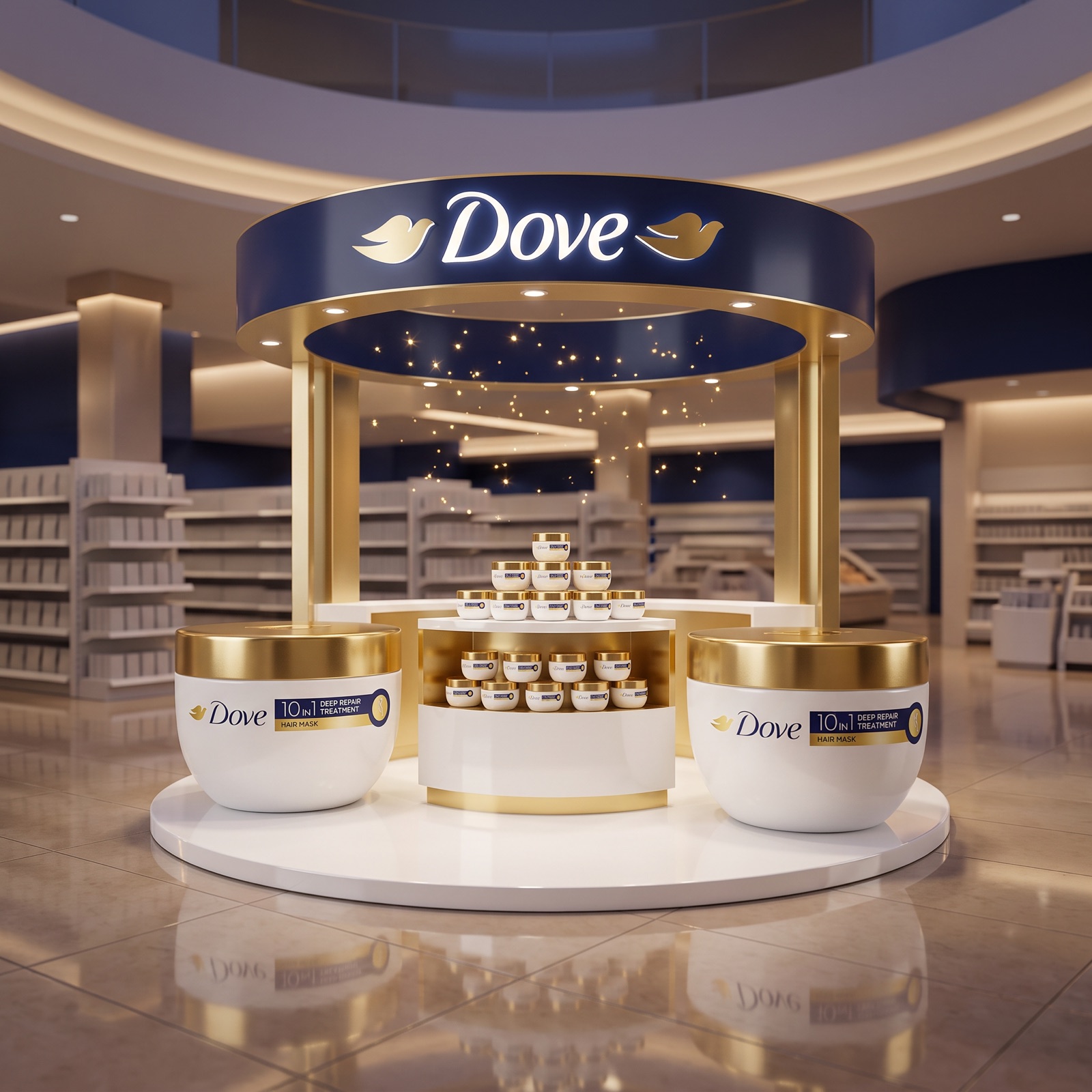
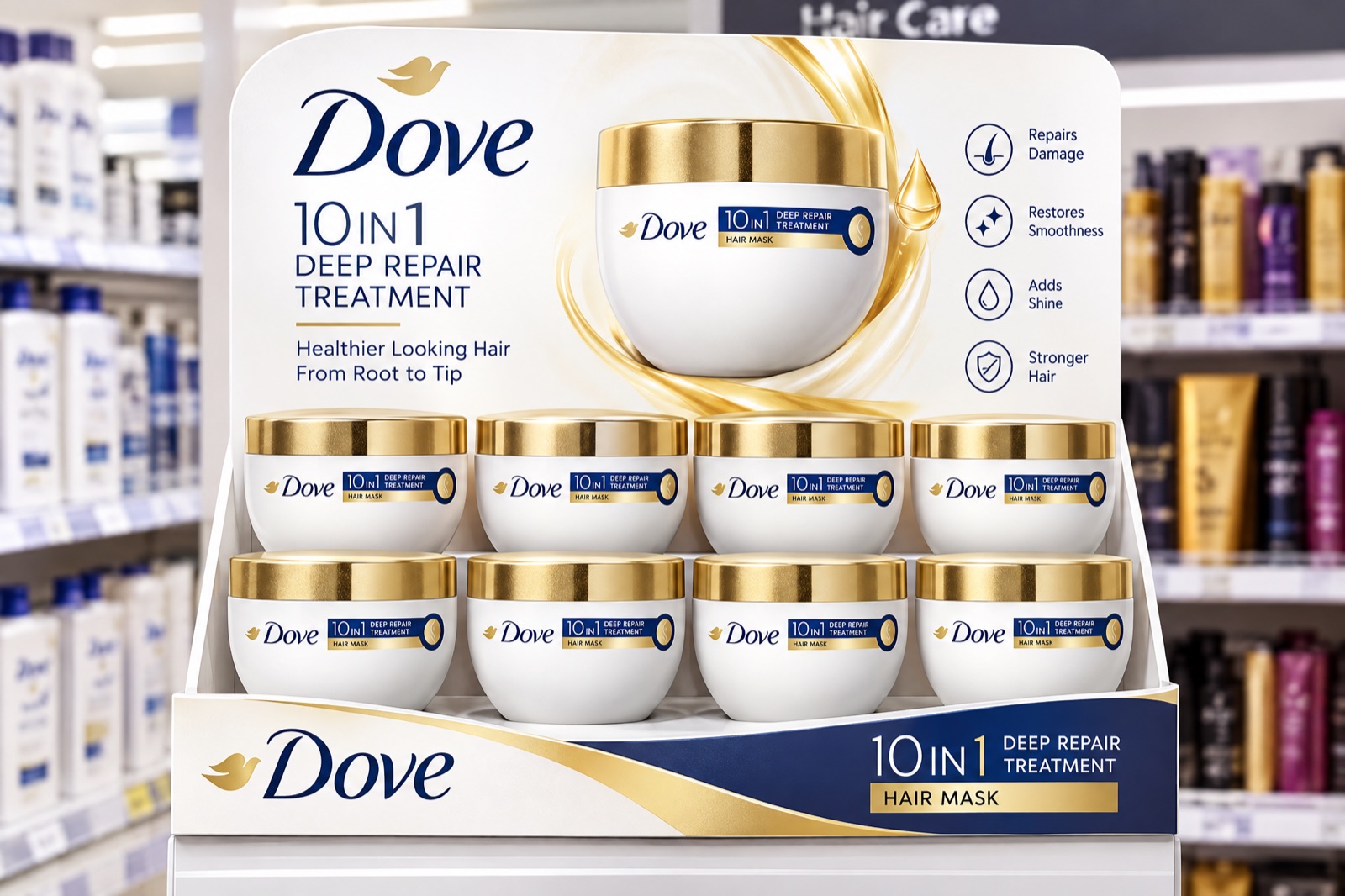
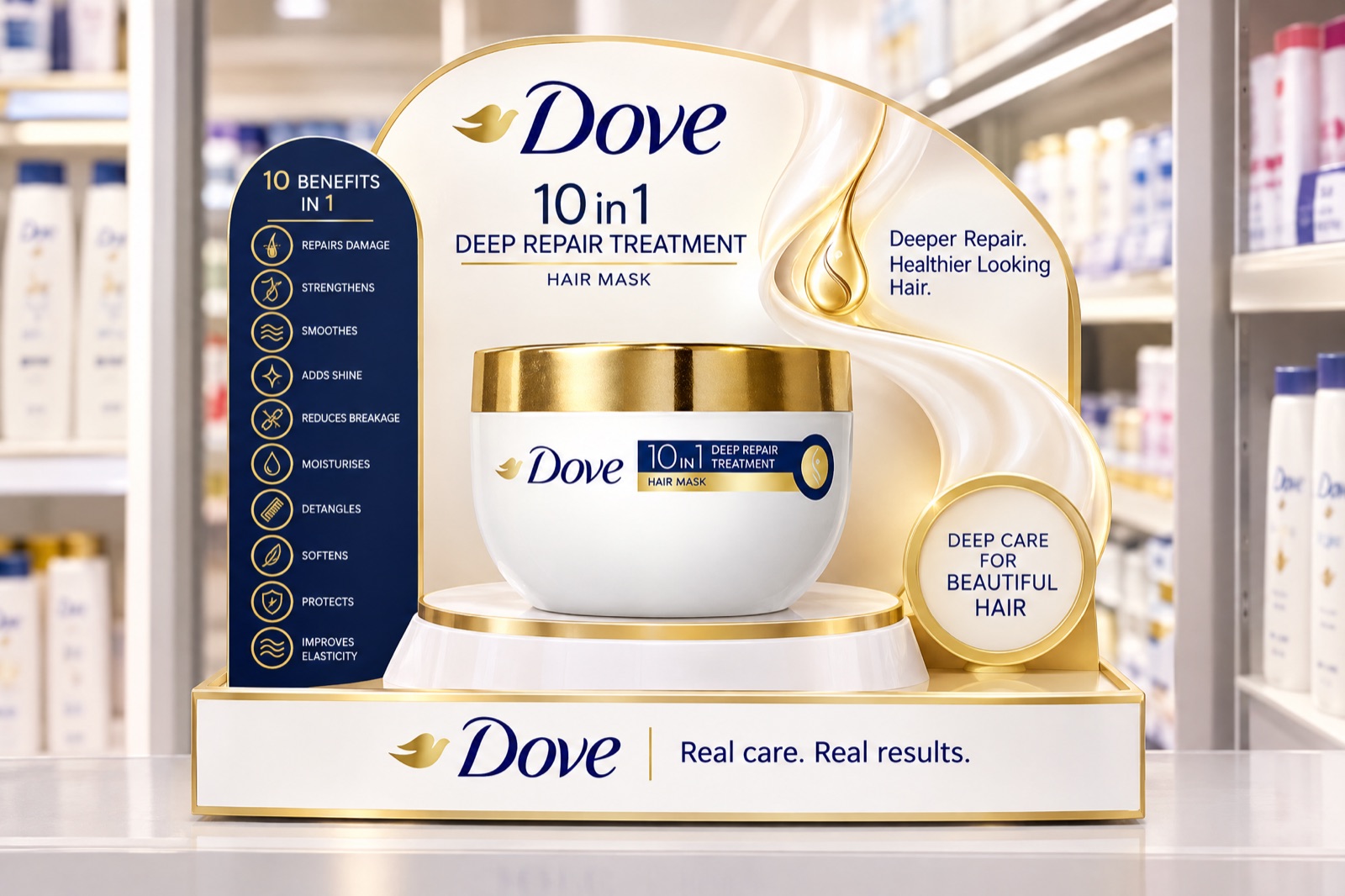
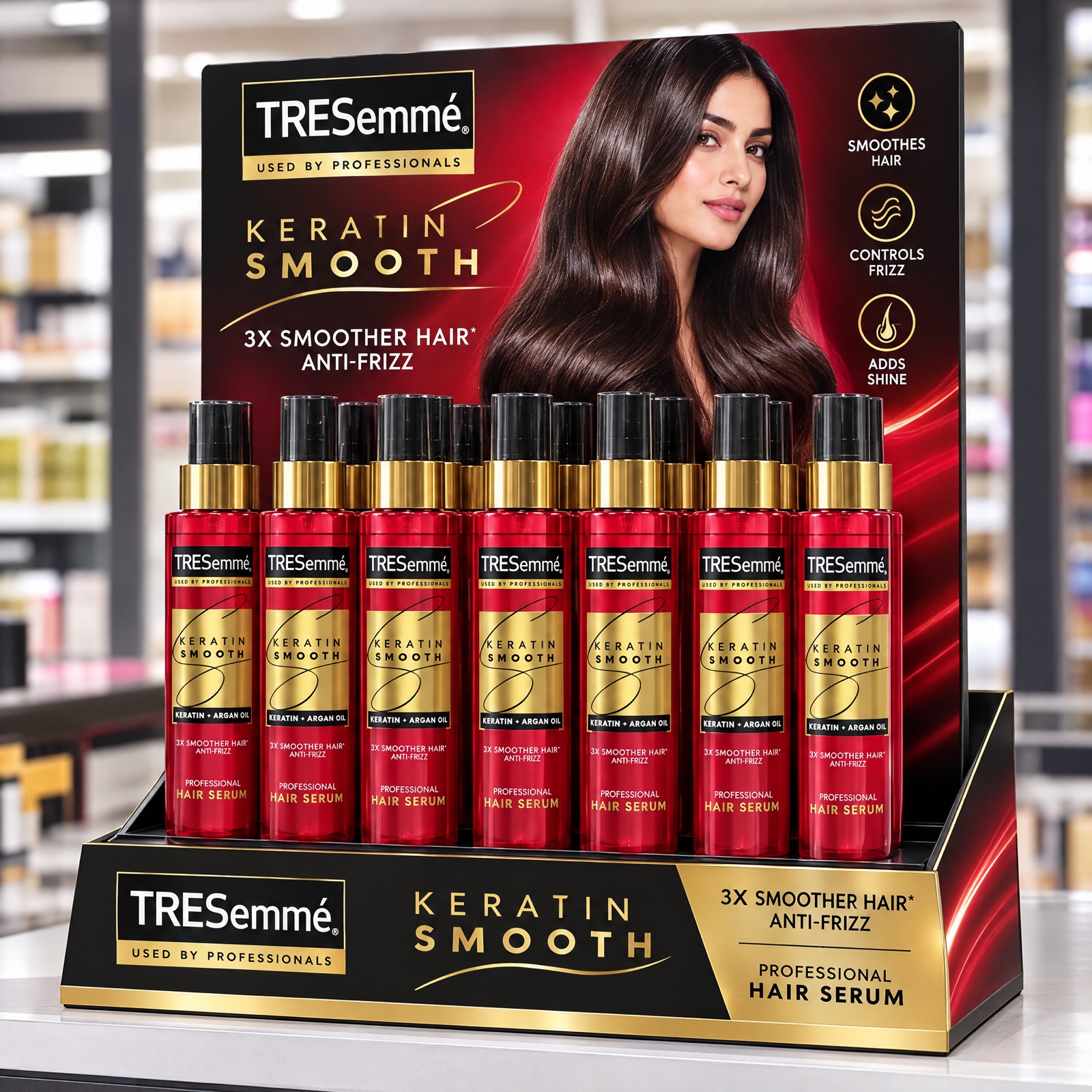
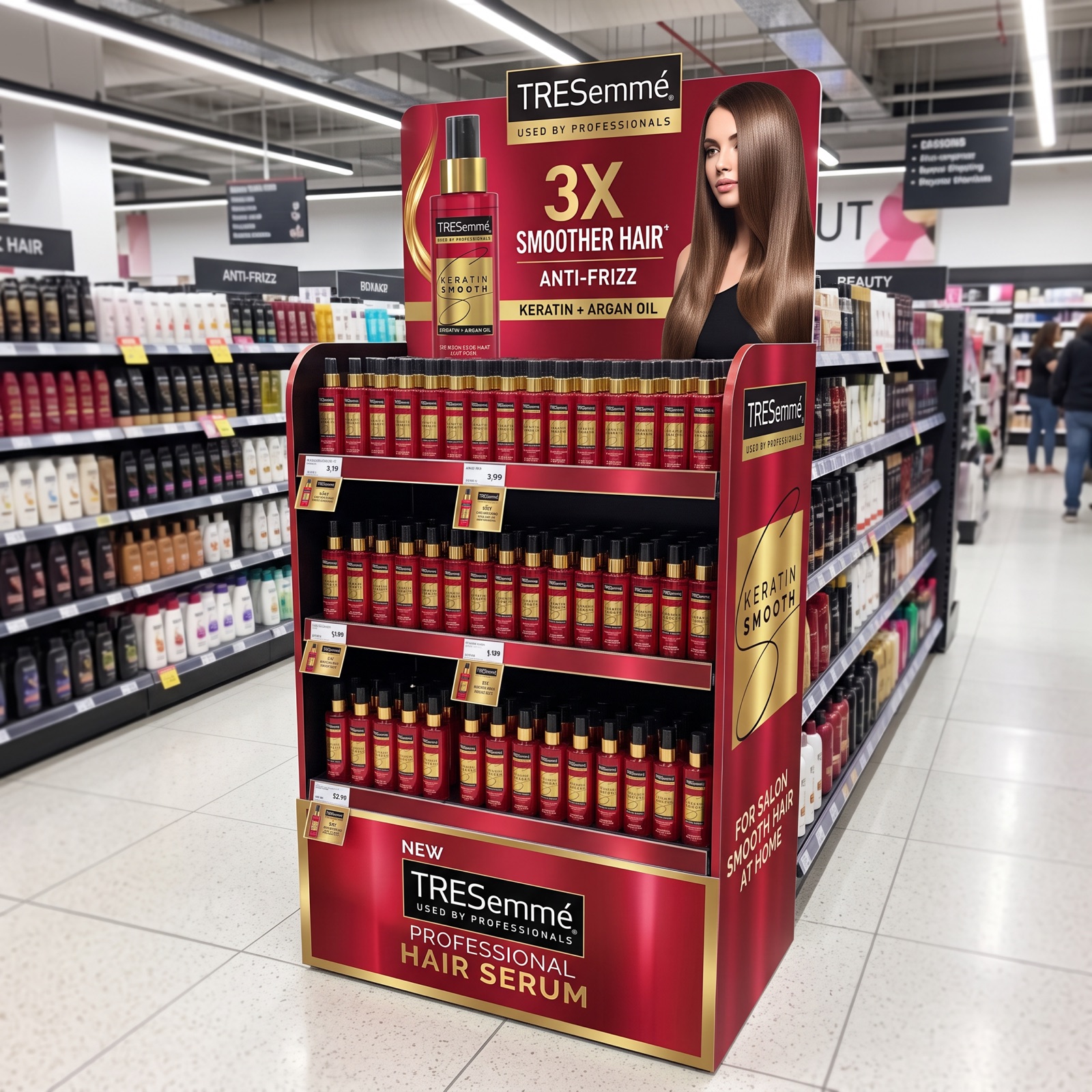
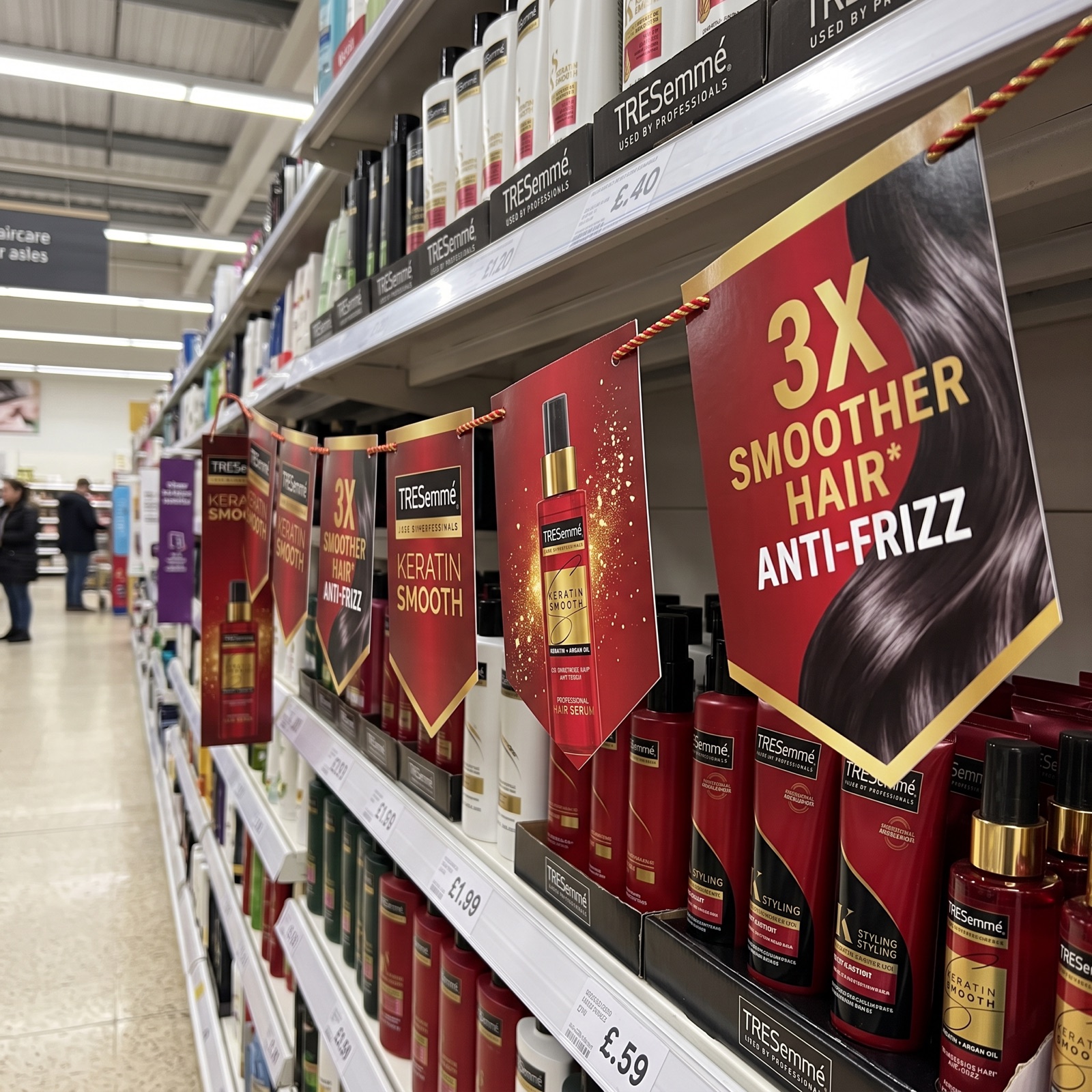
Brand teams need to see a gondola, endcap or floor stand before they commit to fabrication. The workflow takes a product image, a display type and a material, and returns store-ready visualisations.

The workflow was built and tested across five Unilever brands, then the approved prompts and flow were handed to the product team as the spec. A need raised in the field ended up in the product that every client now uses.

Client
Unilever
Role
Workflow design + spec
Brands
5
Outcome
POS Assets, Product Studio
Year
2026
WorkflowPOSMProduct
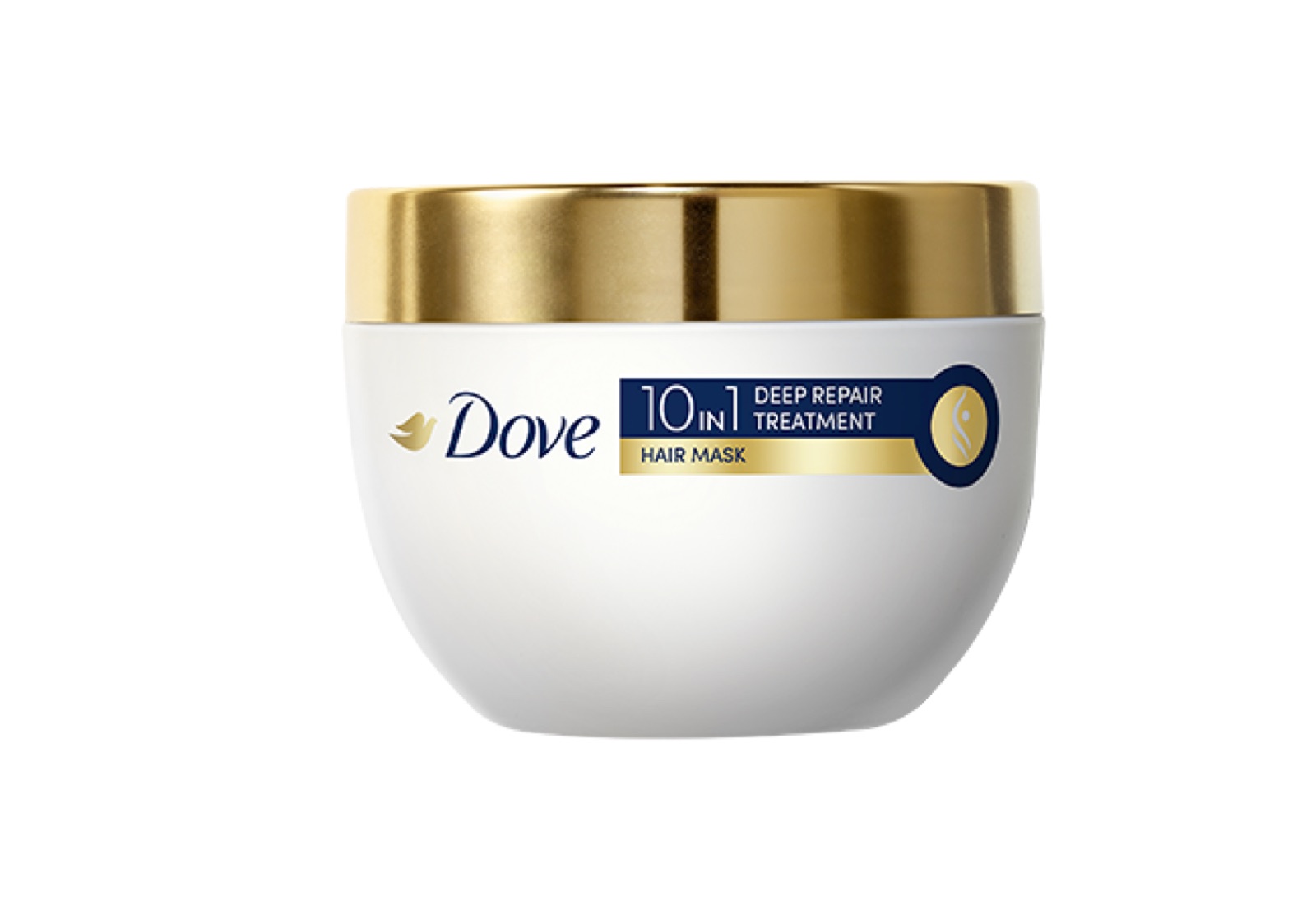
Input: Dove hair mask pack shot Dove in-store booth Dove gondola display Dove shelf display

Fig. 01 — Input (left) and three display types, Dove1:1 · 3:2
01How it works3 inputs, 1 outputWorkflow
01 — Pack shot

The product image as the brand supplies it.

02 — Display type

The fixture: a gondola, endcap, floor stand, booth or shelf.

03 — Material

What the fixture is made of, which sets its finish and light.

→ Output

A store-ready visualisation the brand can approve before anything is built.

02Across brandsSame workflow, four more packs

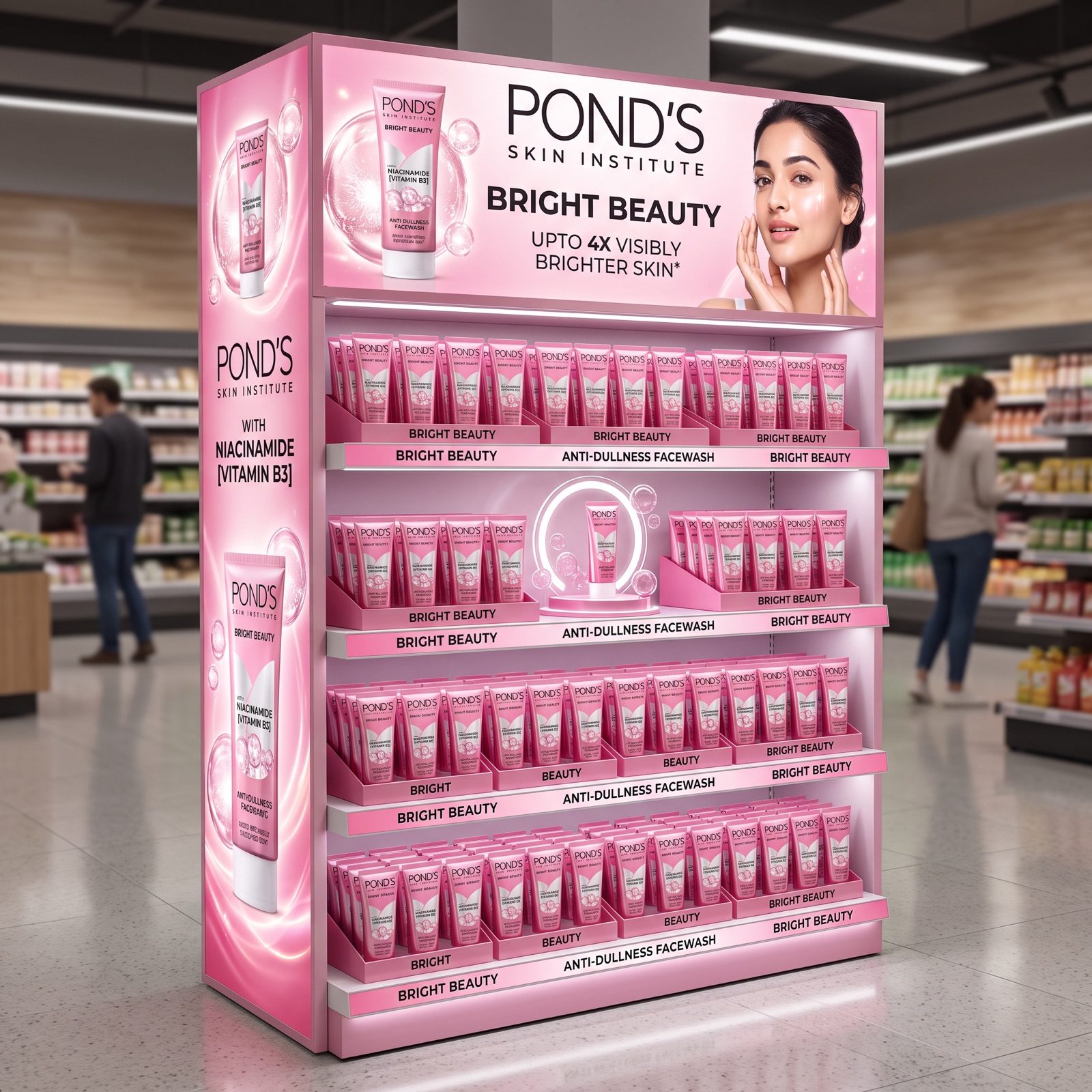
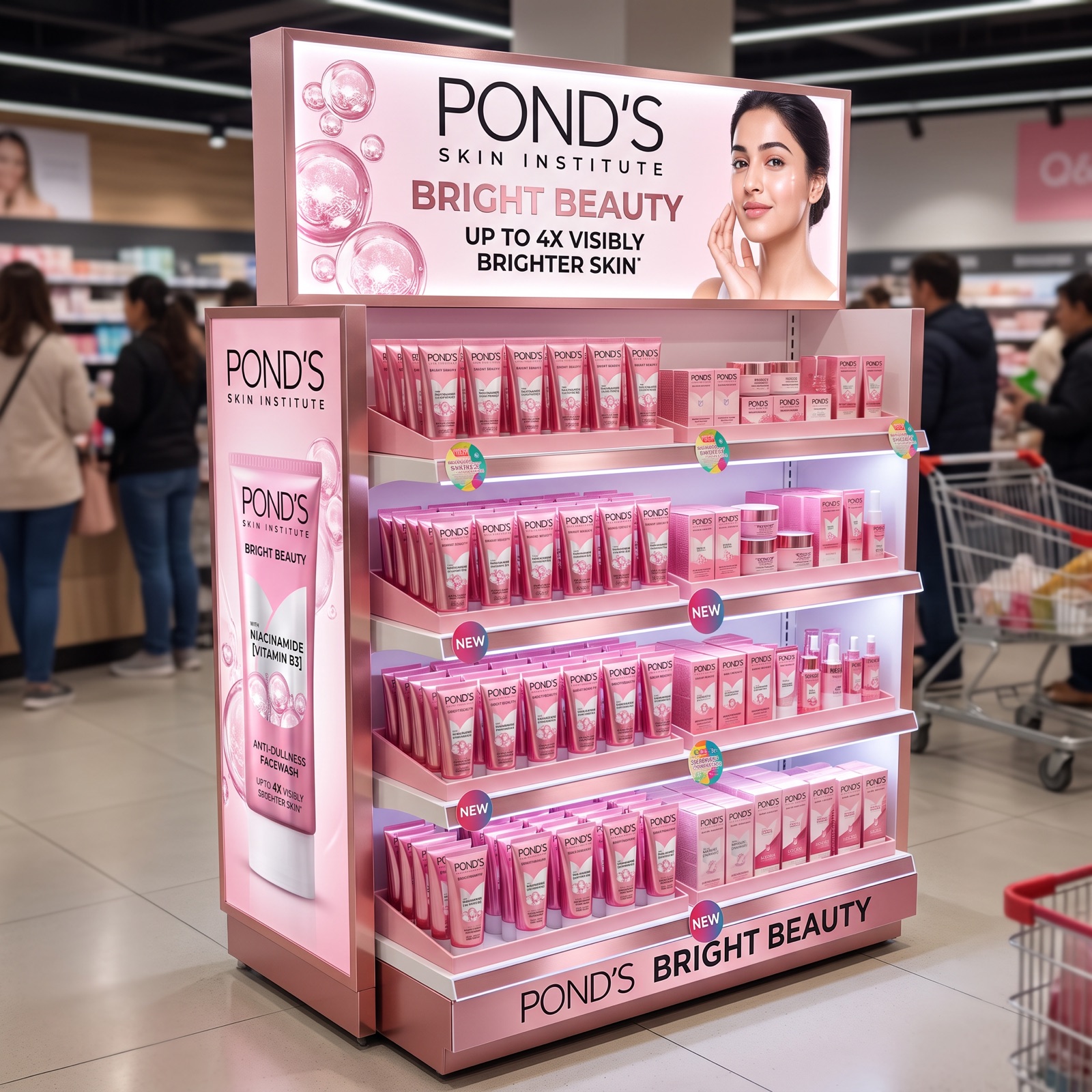
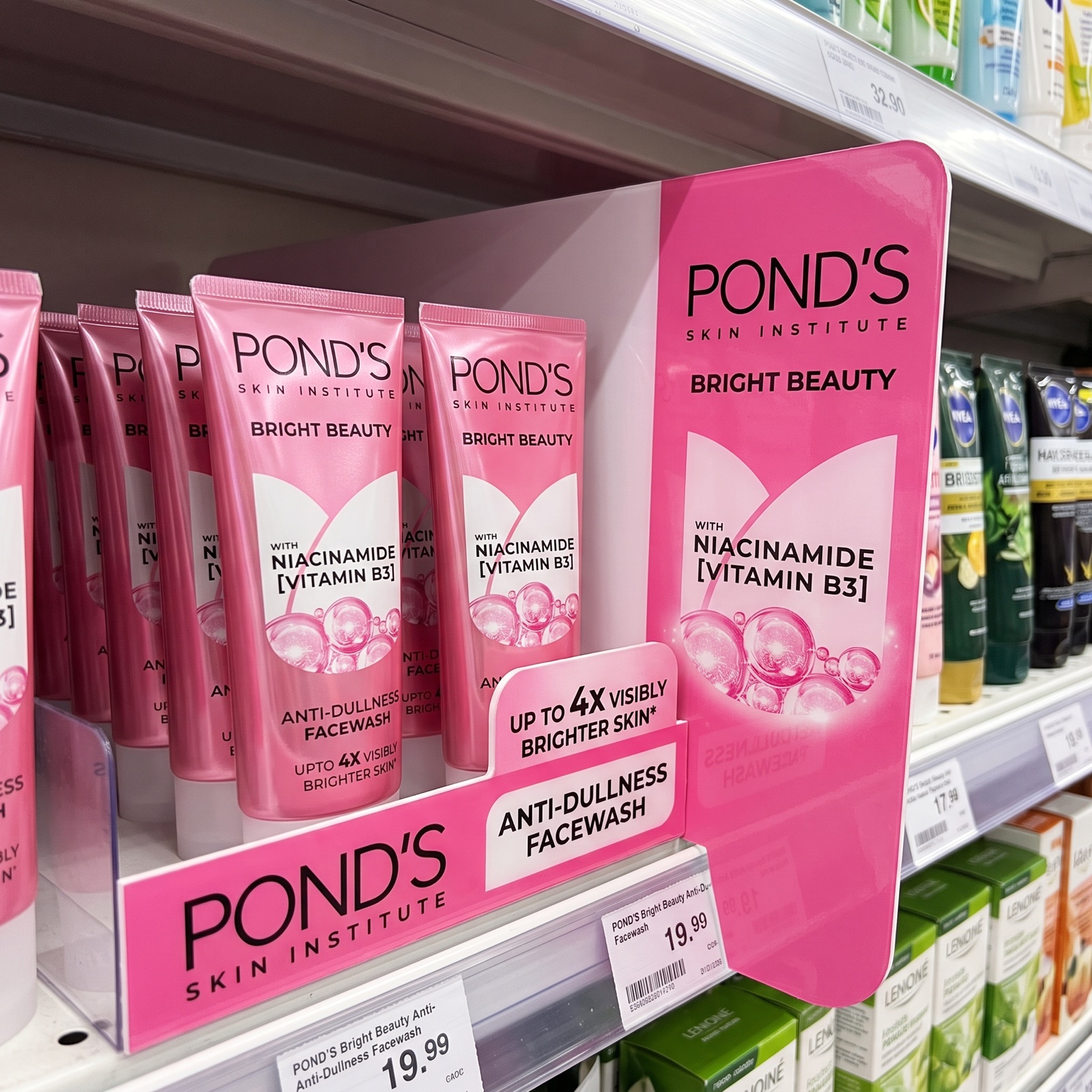
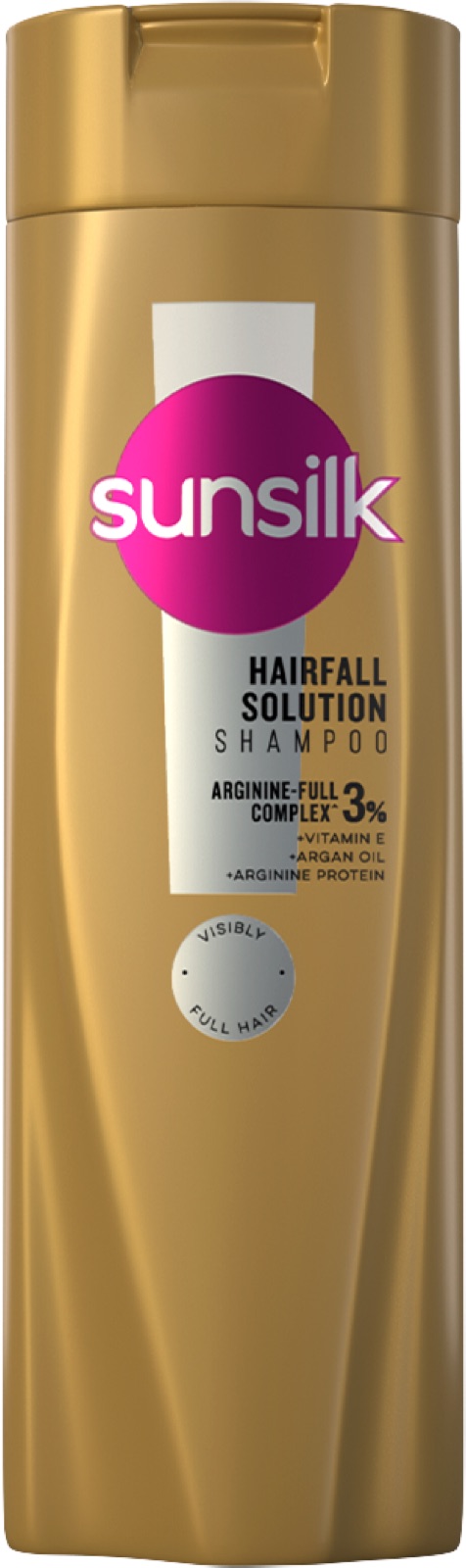
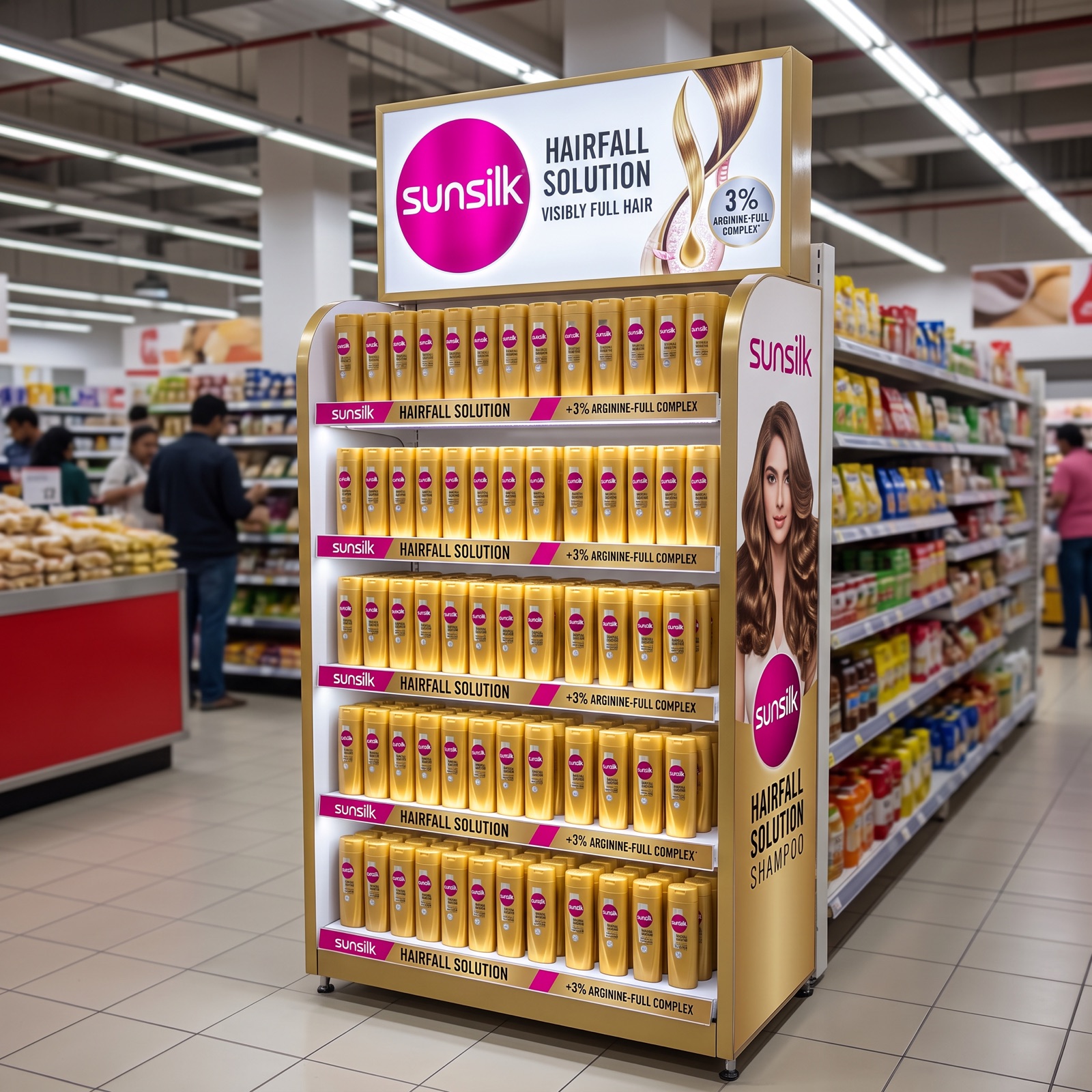
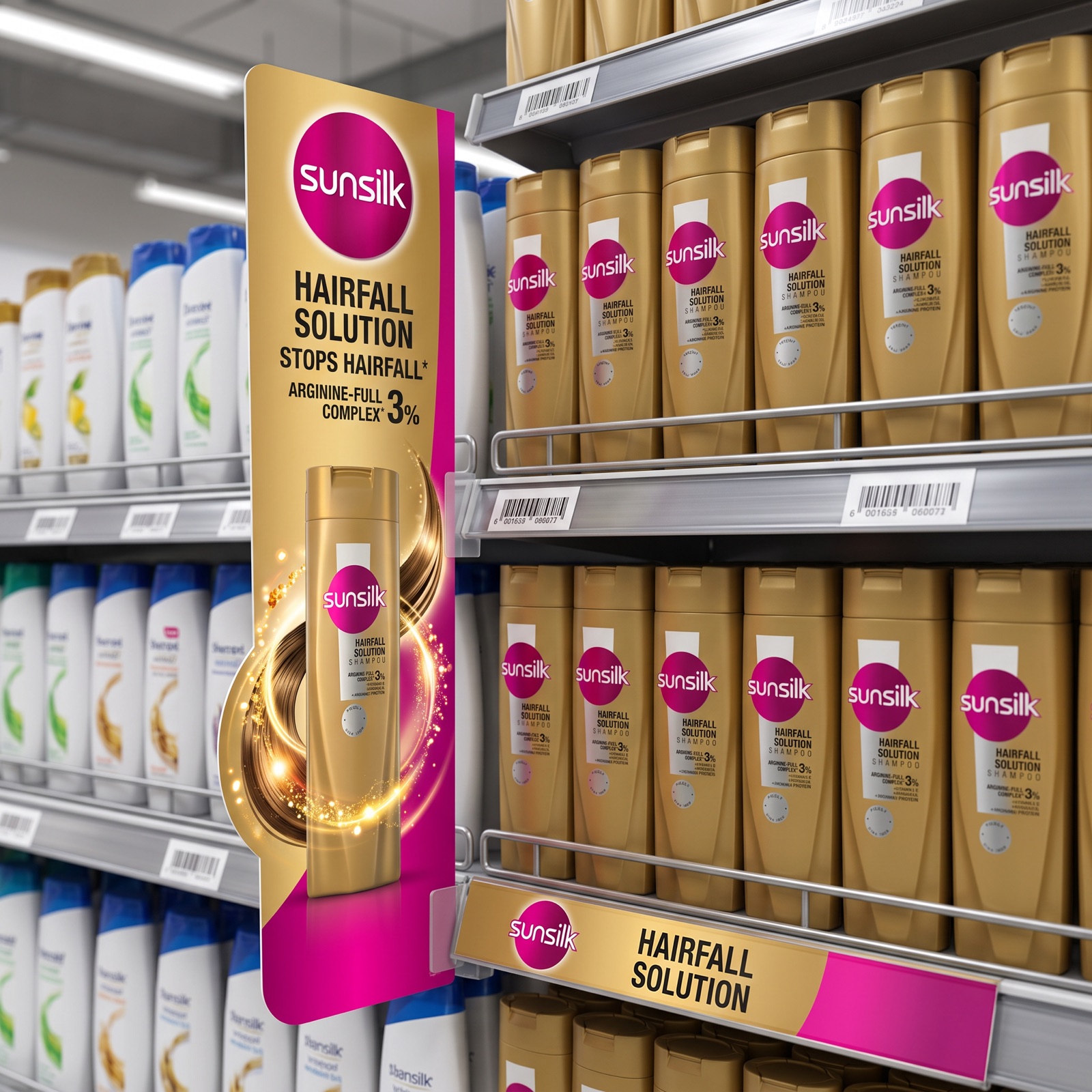
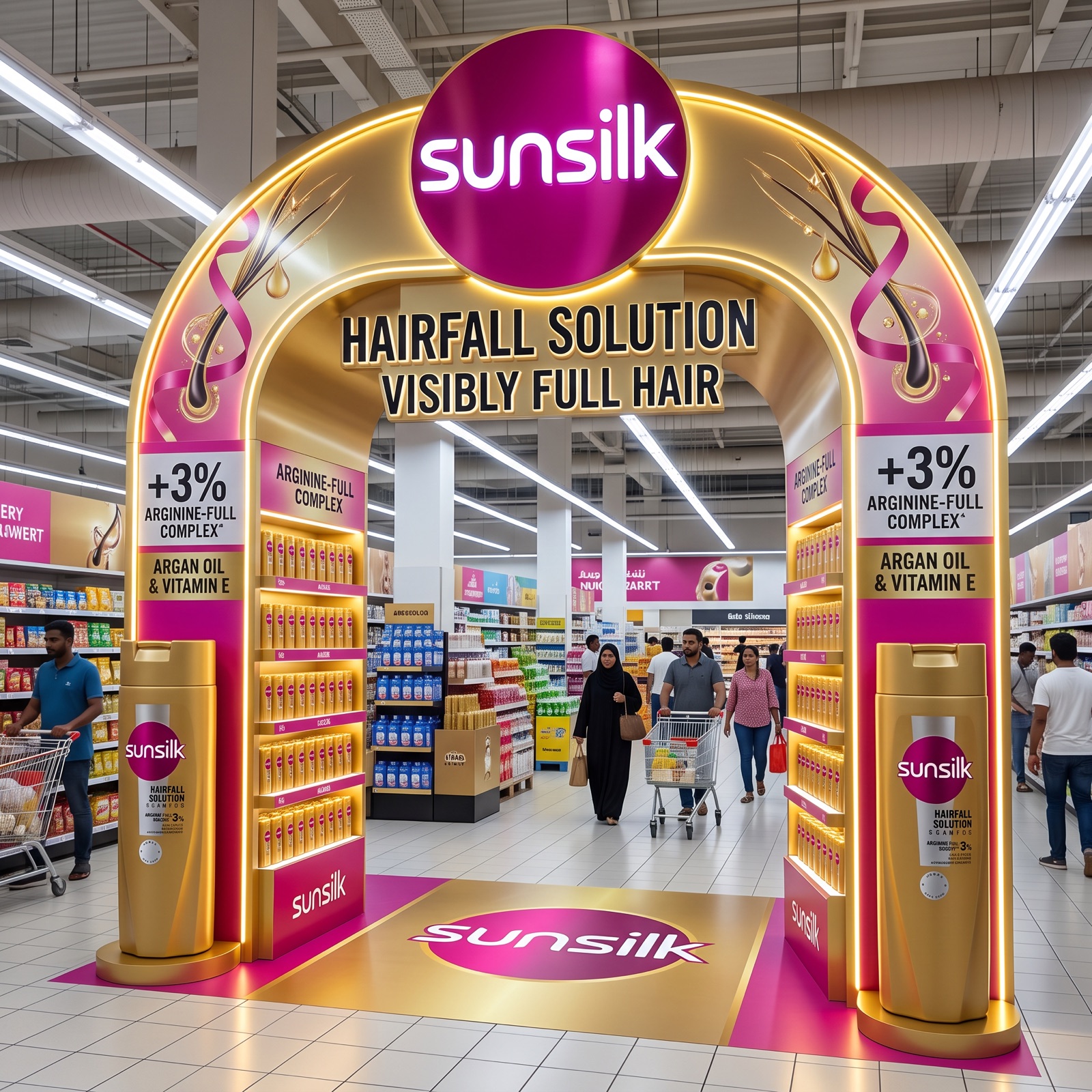
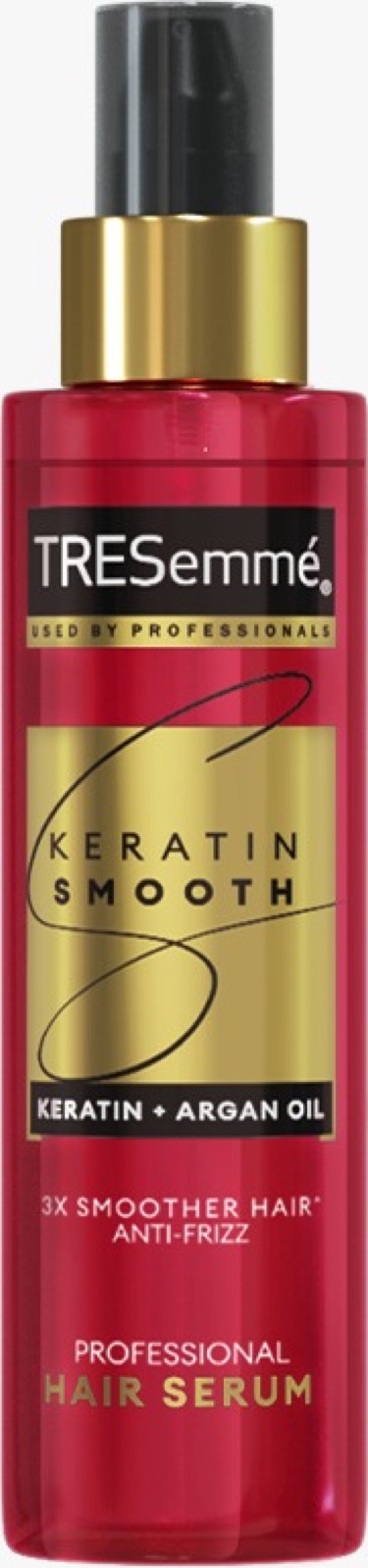
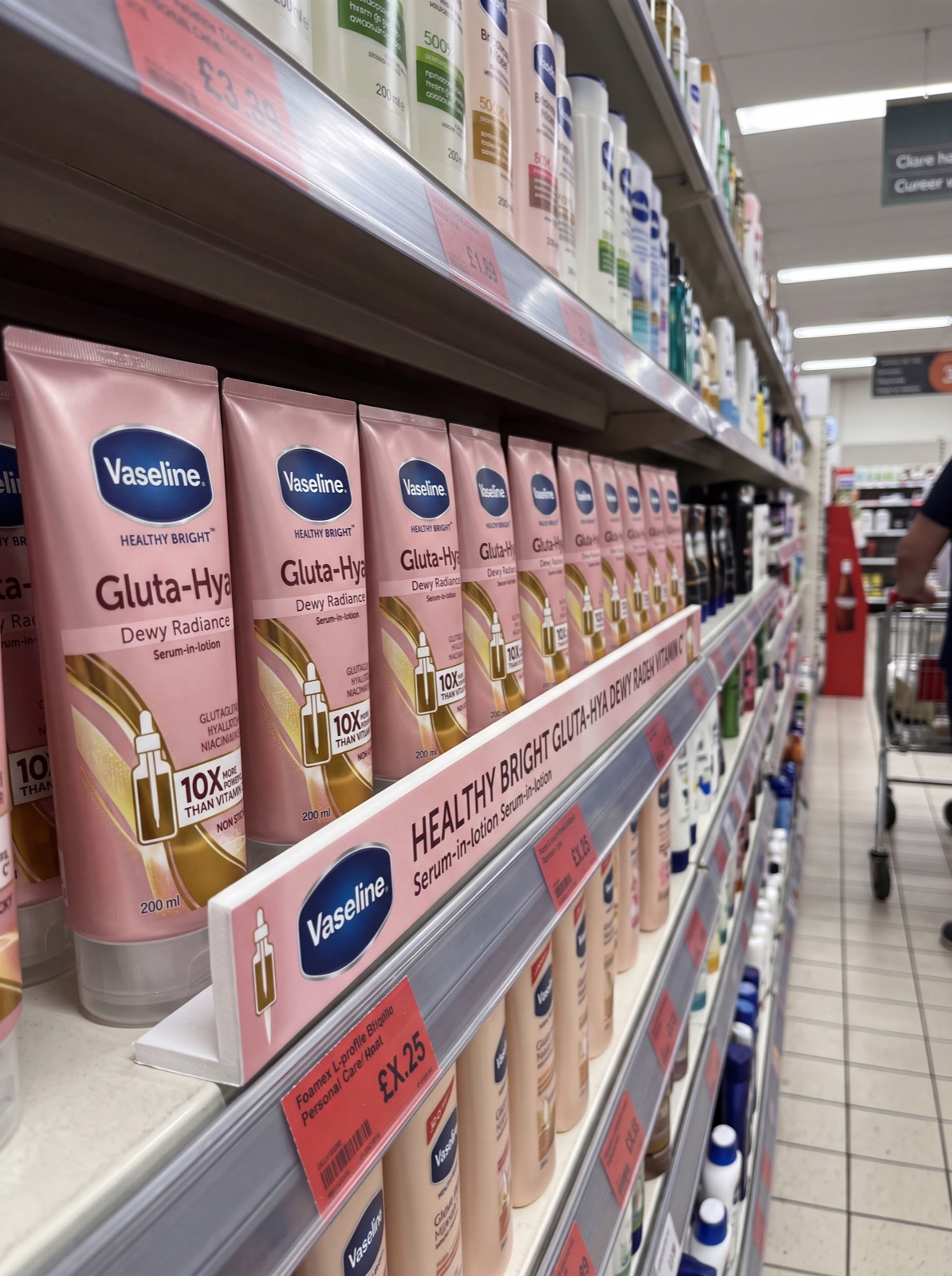
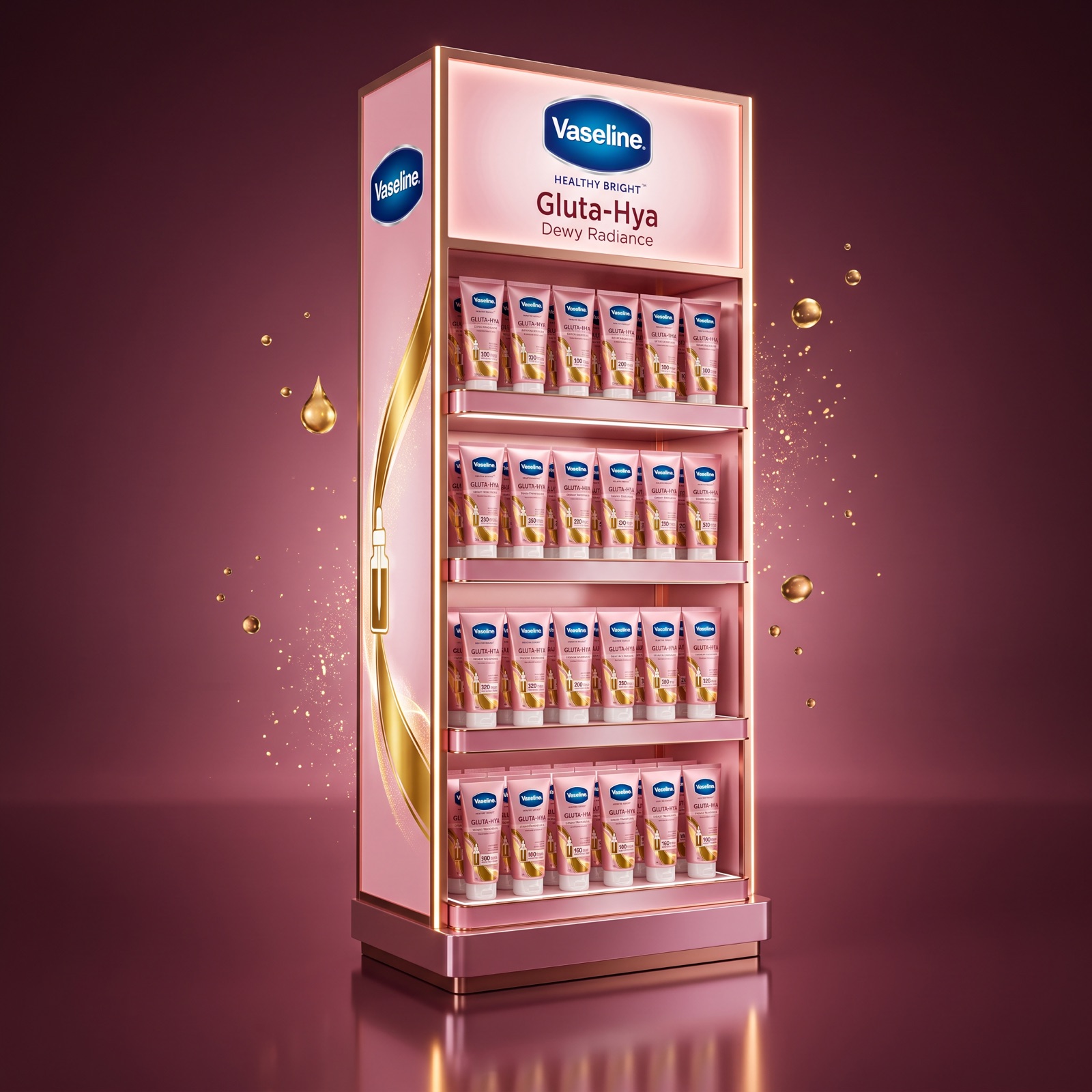
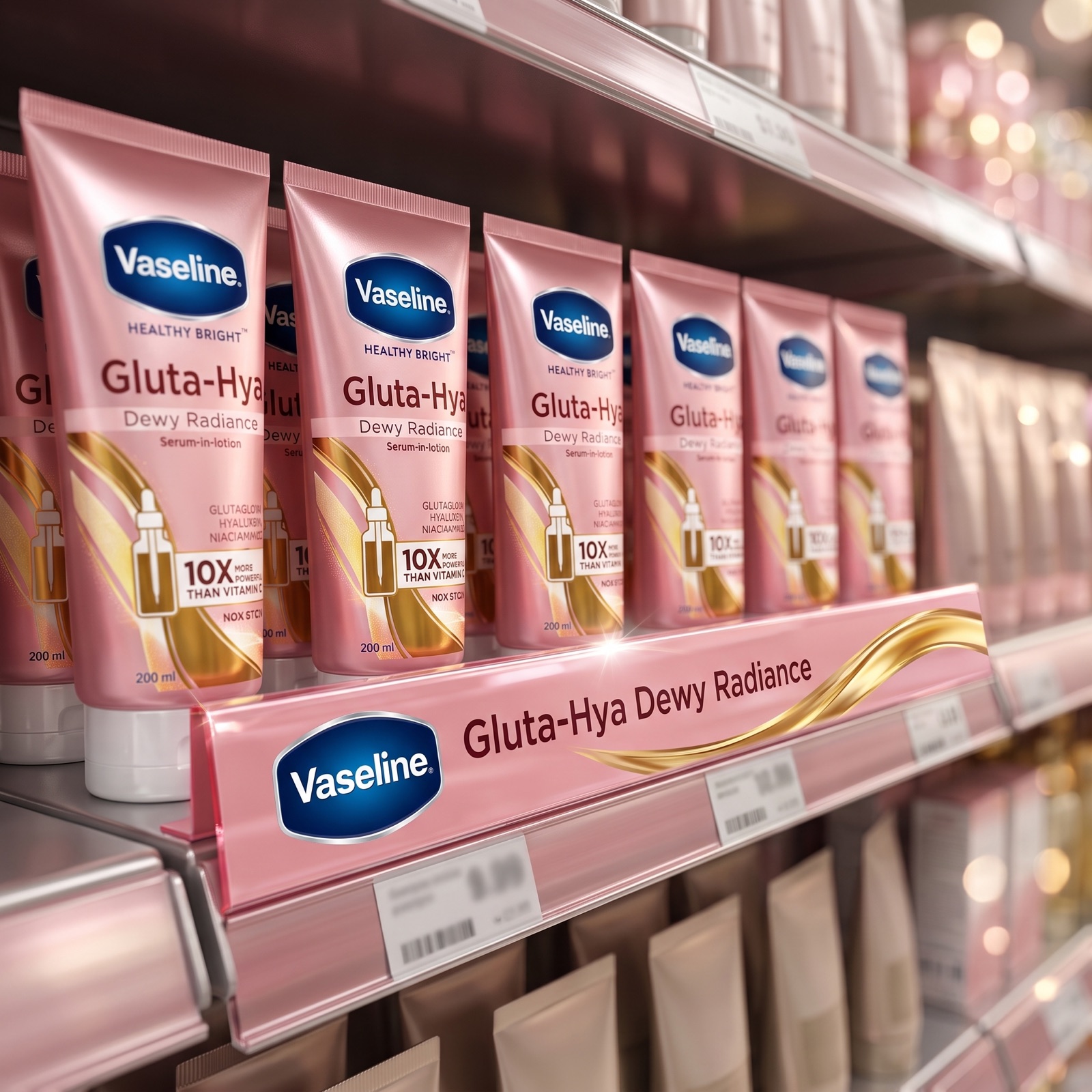
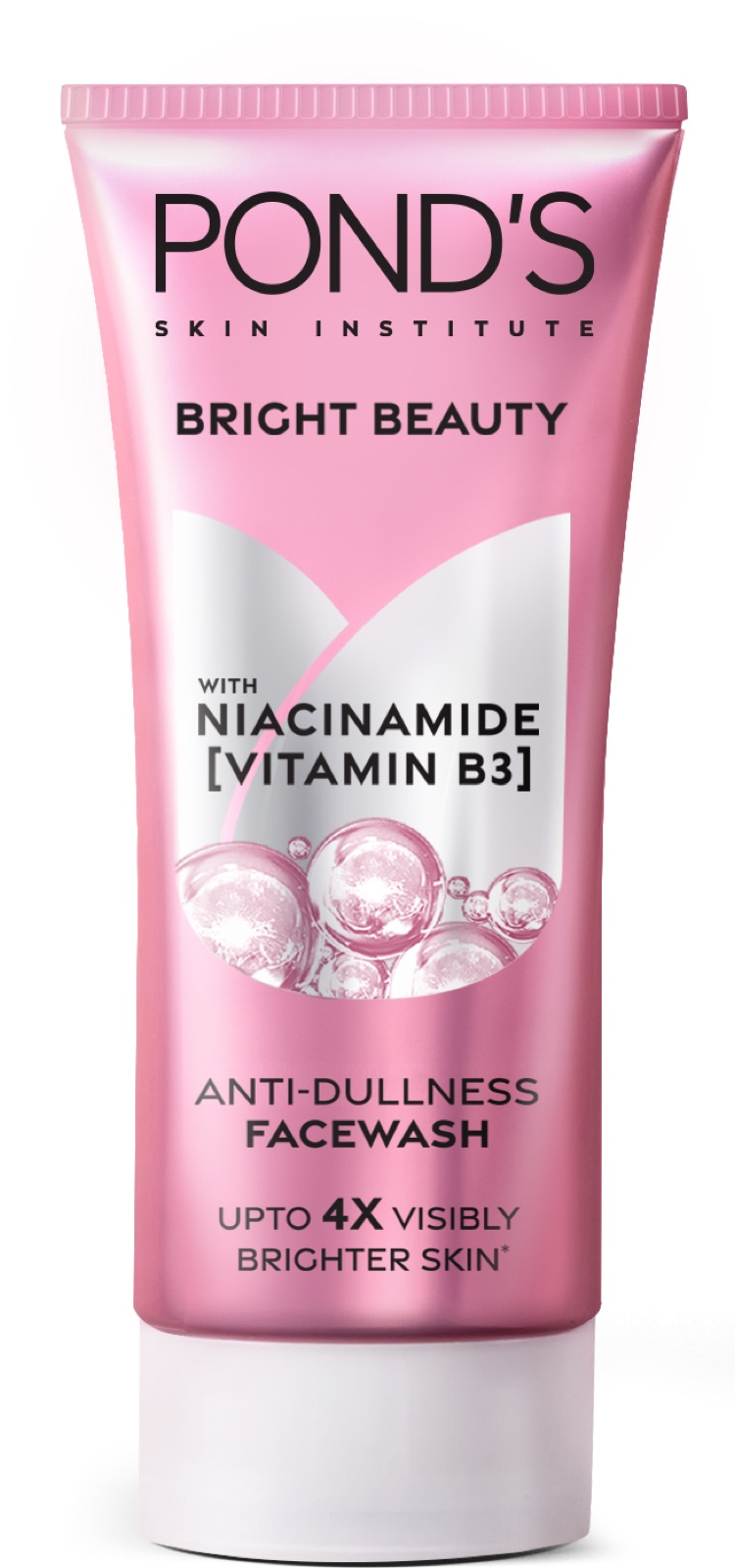
The same workflow across four more pack shapes: a tube, a shampoo, a pump bottle and a lotion. Each row starts with the input.

Input: POND'S facewashPOND'S displayPOND'S displayPOND'S display

Fig. 02 — POND’S1:1

Input: Sunsilk shampooSunsilk displaySunsilk displaySunsilk display

Fig. 03 — Sunsilk1:1

Input: TRESemmé serumTRESemmé displayTRESemmé displayTRESemmé display

Fig. 04 — TRESemmé1:1

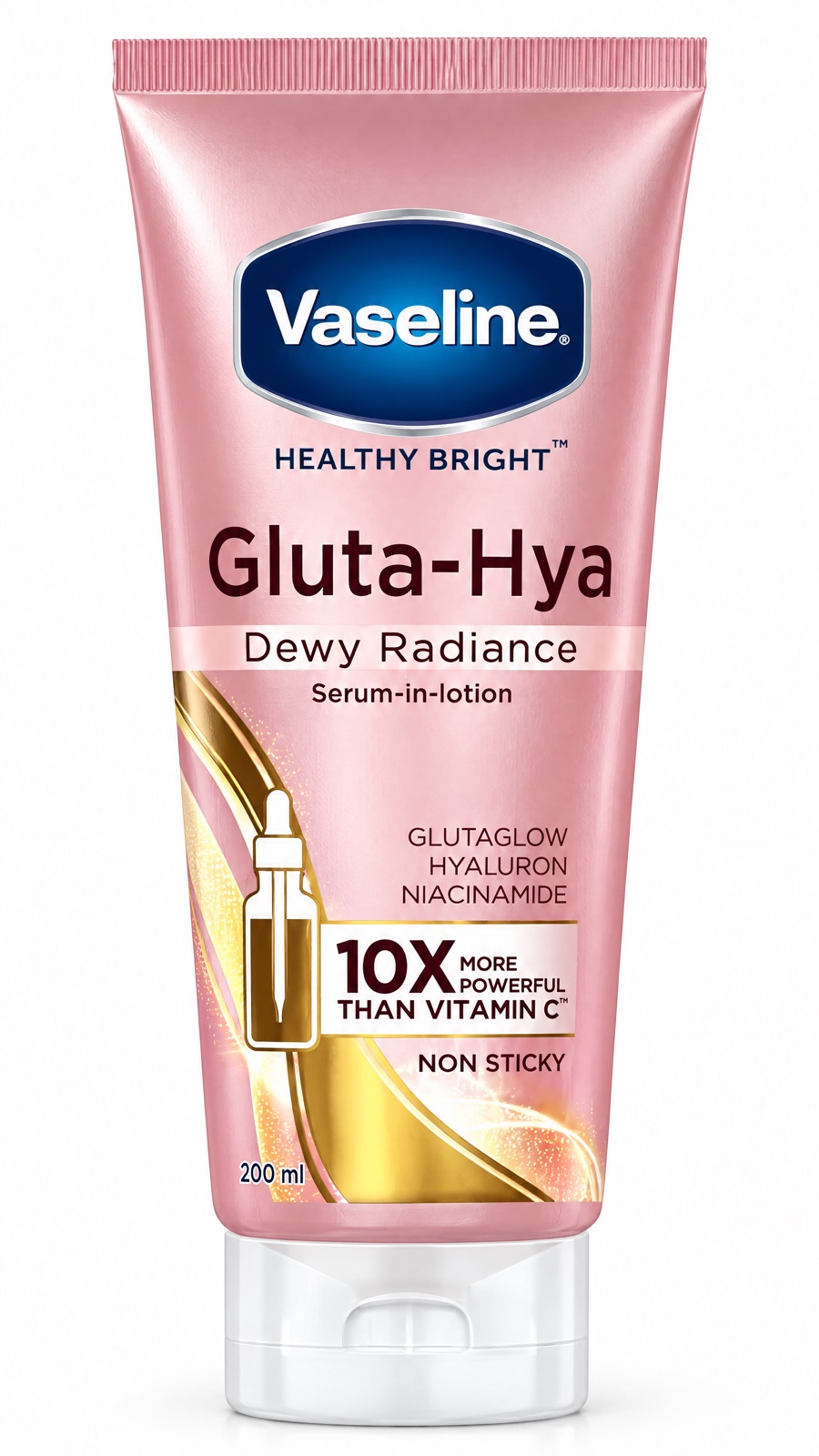
Input: Vaseline Gluta-HyaVaseline displayVaseline displayVaseline display

Fig. 05 — Vaseline3:4 · 1:1

Credits Workflow + spec — Hamza Ali Khan Feature — ImagineArt product team 5 brands